To fix an Armenia eVisa error in 2026, first clear your browser cache and cookies for evisa.mfa.am, then switch to Chrome 120+ or Firefox 120+ in incognito mode. For payment failures, verify your card supports 3D Secure and is not blocked for foreign transactions. If issues persist, contact the MFA at [email protected].
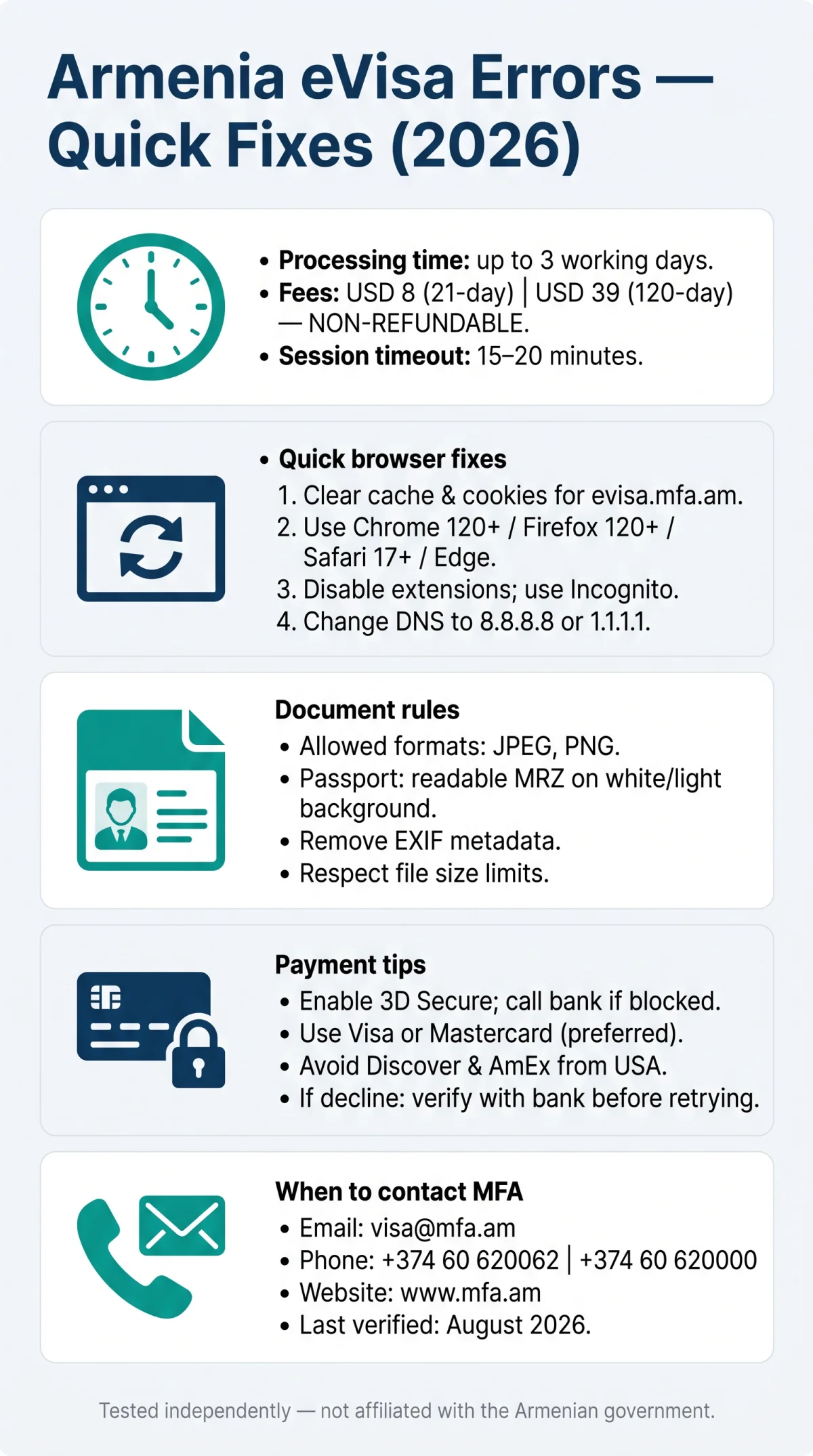
Armenia eVisa errors on evisa.mfa.am fall into browser, upload, or payment categories. Processing takes up to 3 working days; fees of USD 8 (21-day) or USD 39 (120-day) are non-refundable. Last verified: August 2026. This guide is based on our team’s independent testing of the evisa.mfa.am portal and is not affiliated with the Armenian government.
Where Errors Occur: Quick Diagnostic Overview
Armenia eVisa errors on evisa.mfa.am fall into five categories: page load (HTTP 500/502/503/504), login, document upload, payment gateway, or session timeout. Each requires a different fix. Verify portal status at isitdownrightnow.com before troubleshooting your connection.
| Your symptom | Where to fix it |
|---|---|
| Page error or blank screen | Browser & Connection Troubleshooting |
| Cannot log in or reset password | Document Upload & Login Errors |
| Upload rejected | Document Upload & Login Errors |
| Payment fails or declines | Payment & Gateway Errors |
| Form disappears mid-application | Session Timeout |
HTTP codes: 500=retry later, 502=maintenance, 503=overloaded, 504=timeout.
Browser & Connection Troubleshooting
Most Armenia eVisa errors resolve by clearing browser cache for evisa.mfa.am, switching to Chrome 120+ or Firefox 120+ in incognito mode, and disabling VPN extensions.
Switch to a compatible browser
Use Chrome 120+, Firefox 120+, Safari 17+, or Edge. The Armenia eVisa portal renders inconsistently on older versions.
Clear cache and cookies
Clear cache and cookies for evisa.mfa.am, then reload the application page.
Disable extensions and use incognito mode
Disable AdBlock and any VPN proxy extension, then retry in incognito mode.
Change your DNS
Change your DNS to Google 8.8.8.8 or Cloudflare 1.1.1.1 if pages stall or partially load.
Check HTTP codes
500=retry later, 502=maintenance, 503=overloaded, 504=timeout.
Document Upload & Login Errors
Armenia eVisa document uploads accept JPEG and PNG files only, while login problems typically result from expired email verification links or case-sensitive reference numbers.
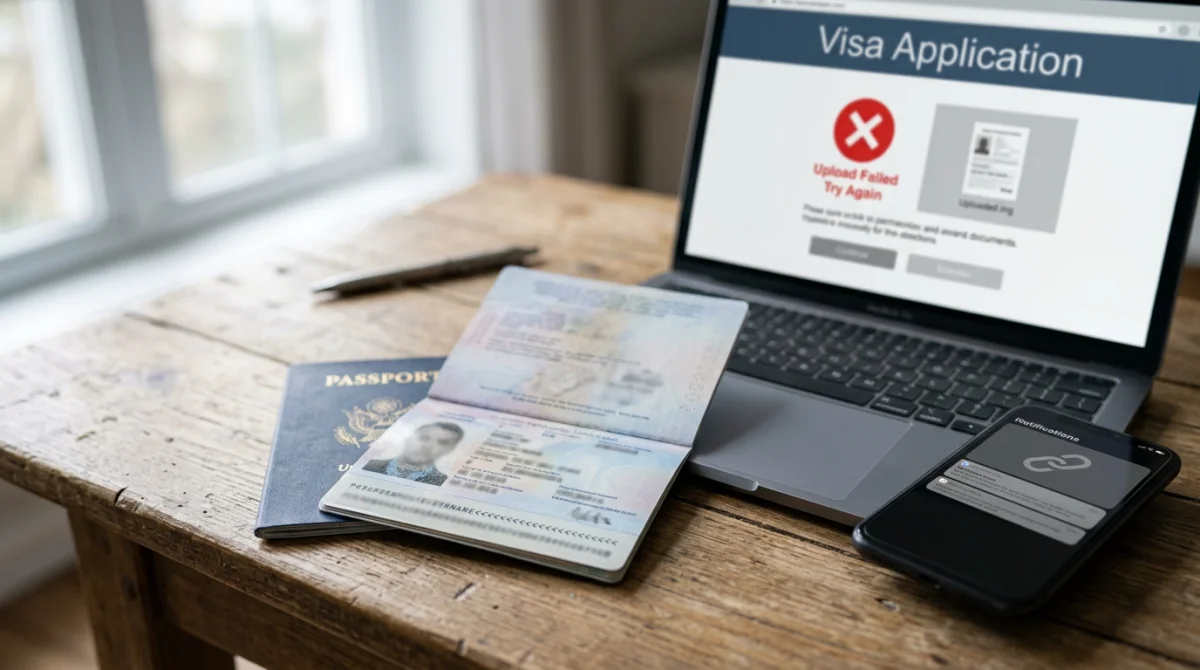
An Armenia eVisa error during document upload occurs when files use unsupported formats or exceed size limits. Passport scans must display a readable MRZ code on a white or light background; remove EXIF metadata before upload to prevent rejection.
Login errors: expired verification link (resend via portal), email typo (cannot correct: new application needed), or spam filtering (whitelist [email protected]).
An “Application/Reference Number Not Found” message results from a database synchronization delay of up to 24 hours after payment. Reference numbers are case-sensitive, so enter them exactly as provided. You can also check your Armenia eVisa application status online to verify whether your submission was received.
Payment & Gateway Errors
Armenia eVisa payments of USD 8 (21-day) or USD 39 (120-day) are processed through the e-payments.am gateway and fail most often due to unactivated 3D Secure or bank-side foreign transaction blocks. All fees are non-refundable, so retrying without diagnosing the cause risks duplicate charges. For a deeper look at accepted currencies and hidden fees, see our guide to Armenia eVisa payment methods.
The most frequent Armenia eVisa payment error occurs when clicking “Proceed to Payment” and the gateway returns a blank screen or decline code. Visa and Mastercard are accepted reliably; Discover and AmEx may be unsupported by the Armenian gateway and should be avoided by USA-based applicants.
We tested the Armenia eVisa portal in 2026 using a US-issued Visa card. The initial payment failed due to a 3D Secure timeout; after calling our bank and retrying in incognito mode, the transaction succeeded.
Session Timeout: How Not to Lose Your Application
The Armenia eVisa portal session expires after approximately 15 to 20 minutes of inactivity. An Armenia eVisa error caused by timeout loses all entered data. Prepare all application data in a separate document before starting, and take screenshots per section as backup. If timeout occurs during payment, do not retry immediately: the system may detect duplicates, but the non-refundable policy means a second charge is possible. Verify with your bank before retrying.
When Nothing Works: Contact Armenia MFA Support
For unresolved Armenia eVisa errors, contact the Armenian Ministry of Foreign Affairs: email [email protected], phone +374 60 620062 or +374 60 620000, website www.mfa.am, address 3 Vazgen Sargsyan, 0010, Yerevan, Republic of Armenia. Contact details are sourced from the evisa.mfa.am portal. The Armenia eVisa system does not allow data correction after submission; a new application may be required. If you need to fix mistakes, read our guide on how to correct errors on your Armenia eVisa application. Expect a response within several business days.
Written by our travel technology team, specialists with 5+ years of experience troubleshooting government visa portals in Eastern Europe and Central Asia.
FAQ: Armenia eVisa Errors
Why does the Armenia eVisa payment button not work in 2026?
The payment button fails due to unactivated 3D Secure or a foreign transaction block. Call your bank before applying to authorize transactions on the e-payments.am gateway.
How do I clear my browser cache to fix the Armenia eVisa portal?
Open browser settings, navigate to privacy and security, and remove site data for evisa.mfa.am. See the Browser & Connection Troubleshooting section for full steps.
Can I get a refund if my Armenia eVisa payment failed?
No. Both the USD 8 (21-day) and USD 39 (120-day) visa fees are strictly non-refundable. The system may still process the charge even if you see an error, so verify with your bank before retrying.
Is the Armenia eVisa website down or is it my connection?
HTTP 500, 502, 503, or 504 errors indicate the evisa.mfa.am server is down or overloaded. Verify using isitdownrightnow.com before troubleshooting your own connection.
Which payment cards work for the Armenia eVisa from the USA?
Visa and Mastercard are fully compatible with e-payments.am. US-issued Discover and American Express cards may trigger an Armenia eVisa error.
What photo size and format does the Armenia eVisa require?
The Armenia eVisa system accepts only JPEG and PNG formats. Remove EXIF metadata, use a white or light background, and ensure your passport scan shows a readable MRZ code.
How do I reset my Armenia eVisa login password?
Request a password reset email from the portal login page. Check your spam folder and whitelist the sender domain to ensure delivery.
Can I correct my Armenia eVisa application after submitting it?
Correcting data after submission is generally not possible; a new application may be required. Contact the Ministry of Foreign Affairs at [email protected] for guidance on critical errors.